Live view
Real-time results, available on a large monitor, TV, projector, or tablet, with no login required.
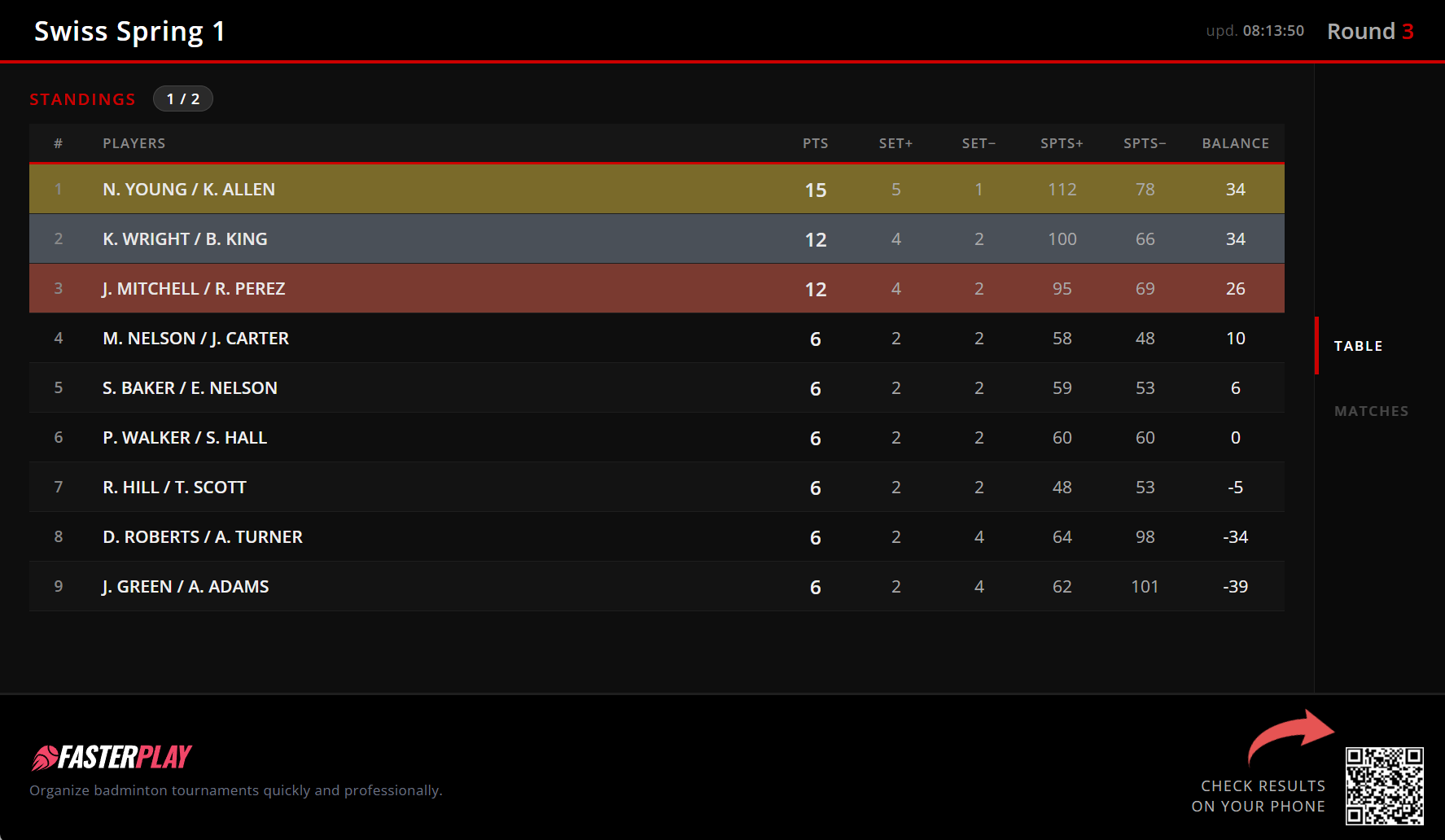
The live view is available for both tournaments and leagues. It allows public display of up-to-date results and standings in real time, with no login required. Simply open the dedicated link on any device and put it on a screen at the venue.
There are two display modes, each differing in how data is presented and what hardware is required.
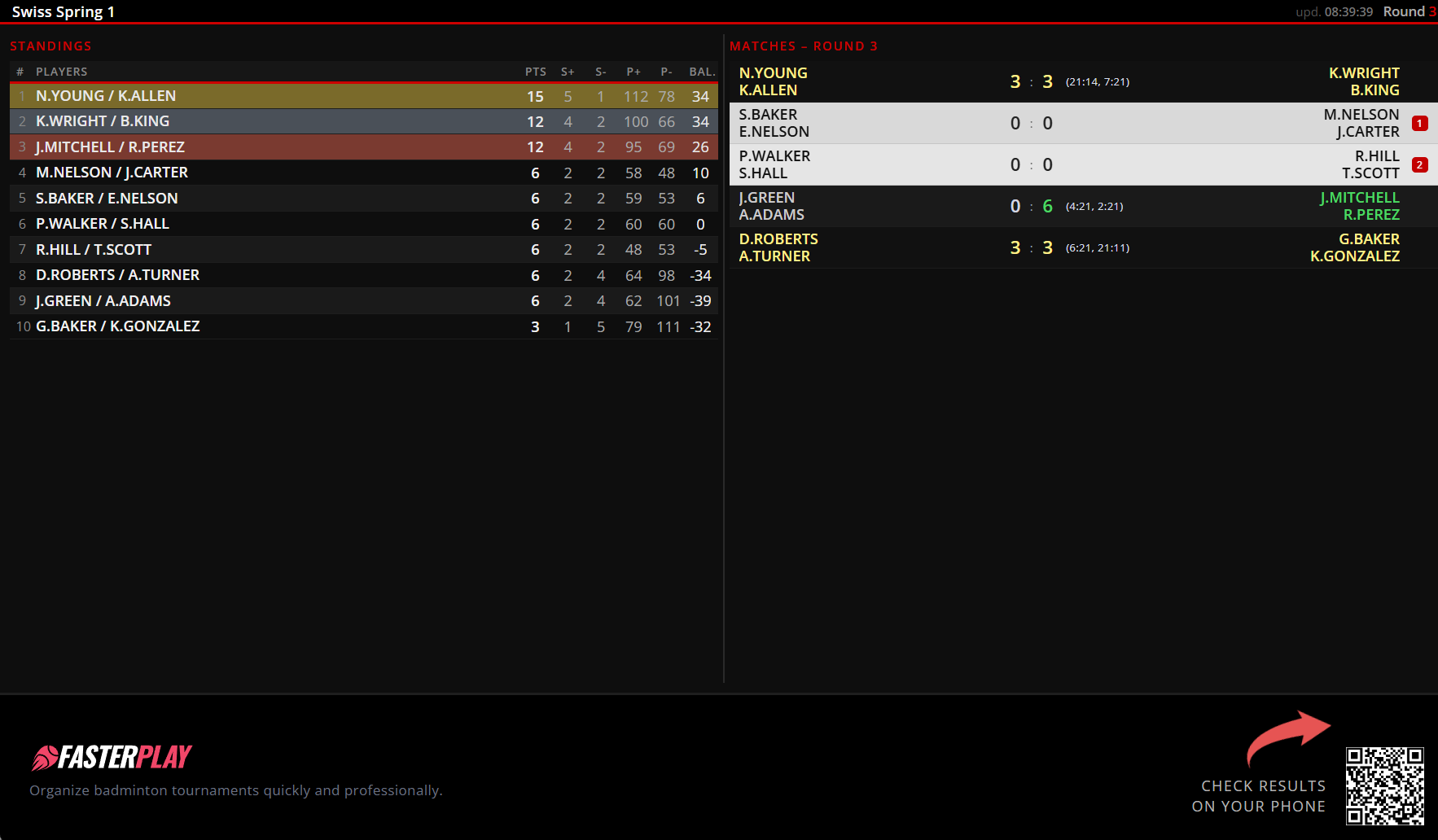
Mode one, designed for large monitors, TVs, and projectors, works best at Full HD resolution (1920×1080) or higher. Its key advantage is the ability to show all results and standings on a single screen, with no pagination whatsoever. This means participants always have immediate access to the latest data, without waiting for a page to scroll or change.
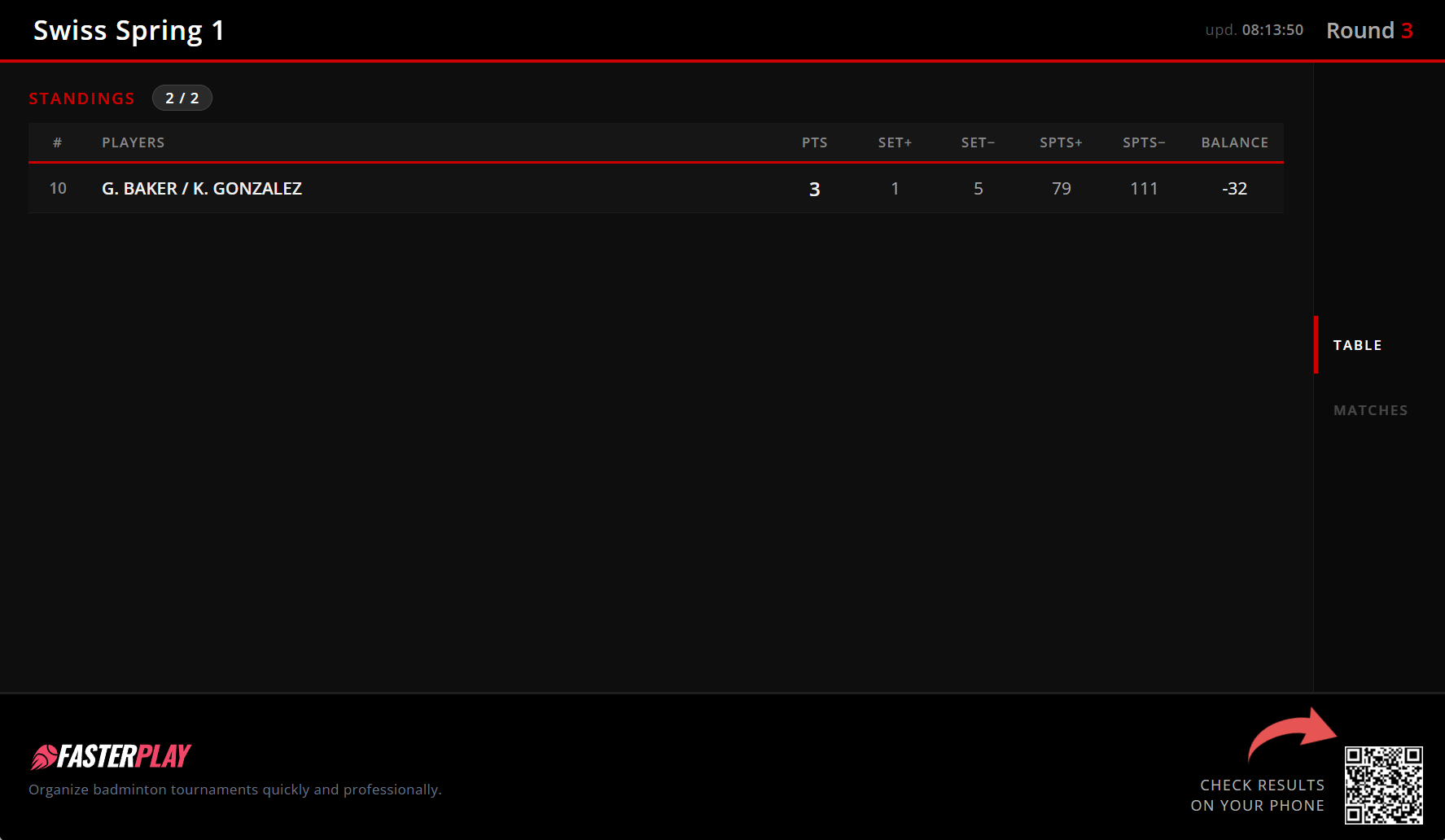
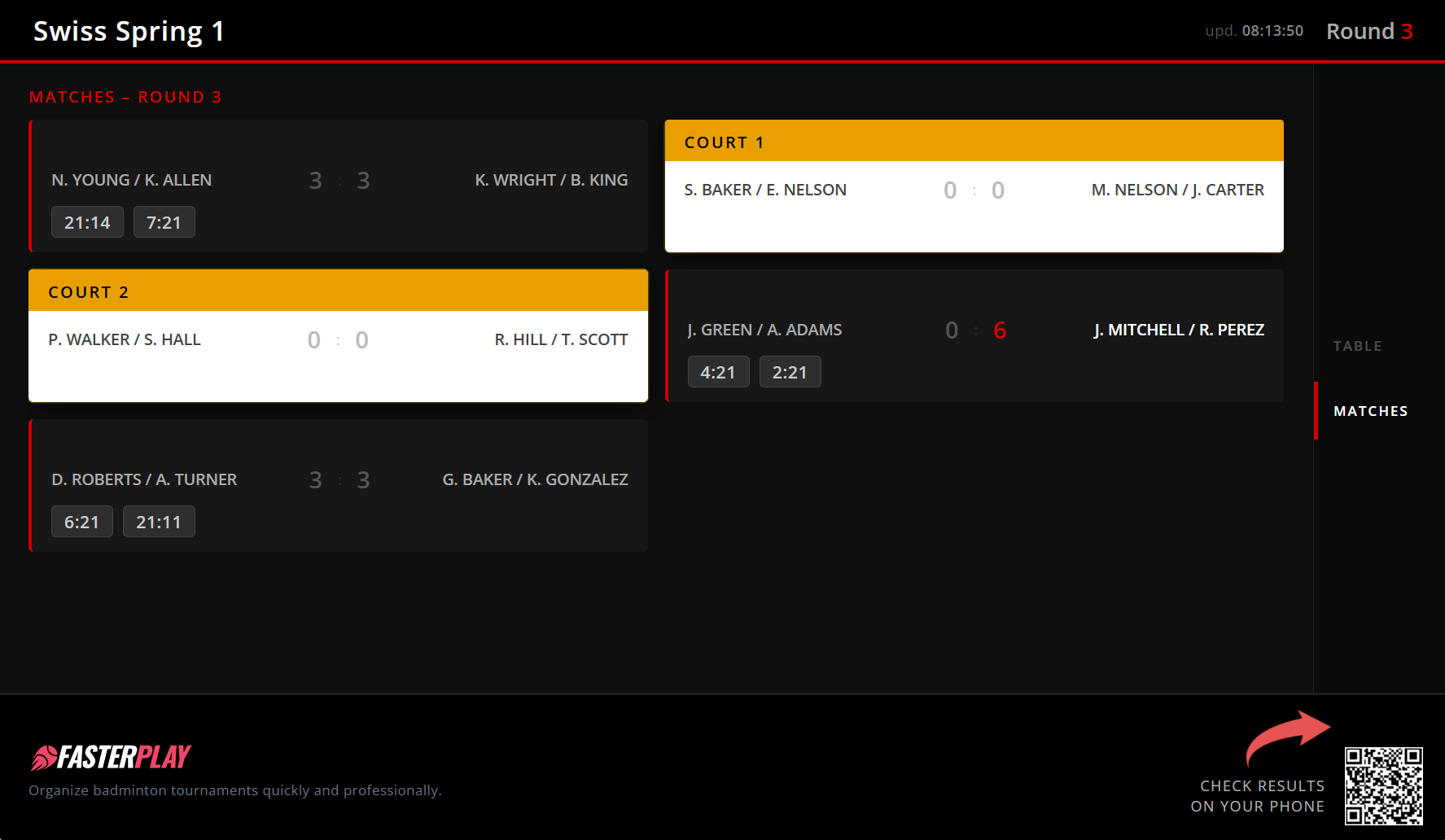
Mode two, built for tablets and screens from 800×600 resolution and up, is much more hardware-flexible. Depending on the screen resolution and the number of registered players, a pagination mechanism may be activated. Match results and standings are then split into segments and displayed in rotation, which means a participant may need to wait a moment to see their result or ranking position.
Which mode should you choose? It depends on the available hardware and the nature of your event. If you have a TV or projector with a high resolution, mode one will deliver the best experience. For smaller screens or a lower number of participants, mode two works just as well. When in doubt, try both and go with whichever suits you and your players best.
Mode 1: Large screen (FullHD+)
Mode 2: Tablet and smaller screens