Tournament overview
Quick overview of all tournaments linked to your account, accessible right after logging in or from the main menu.
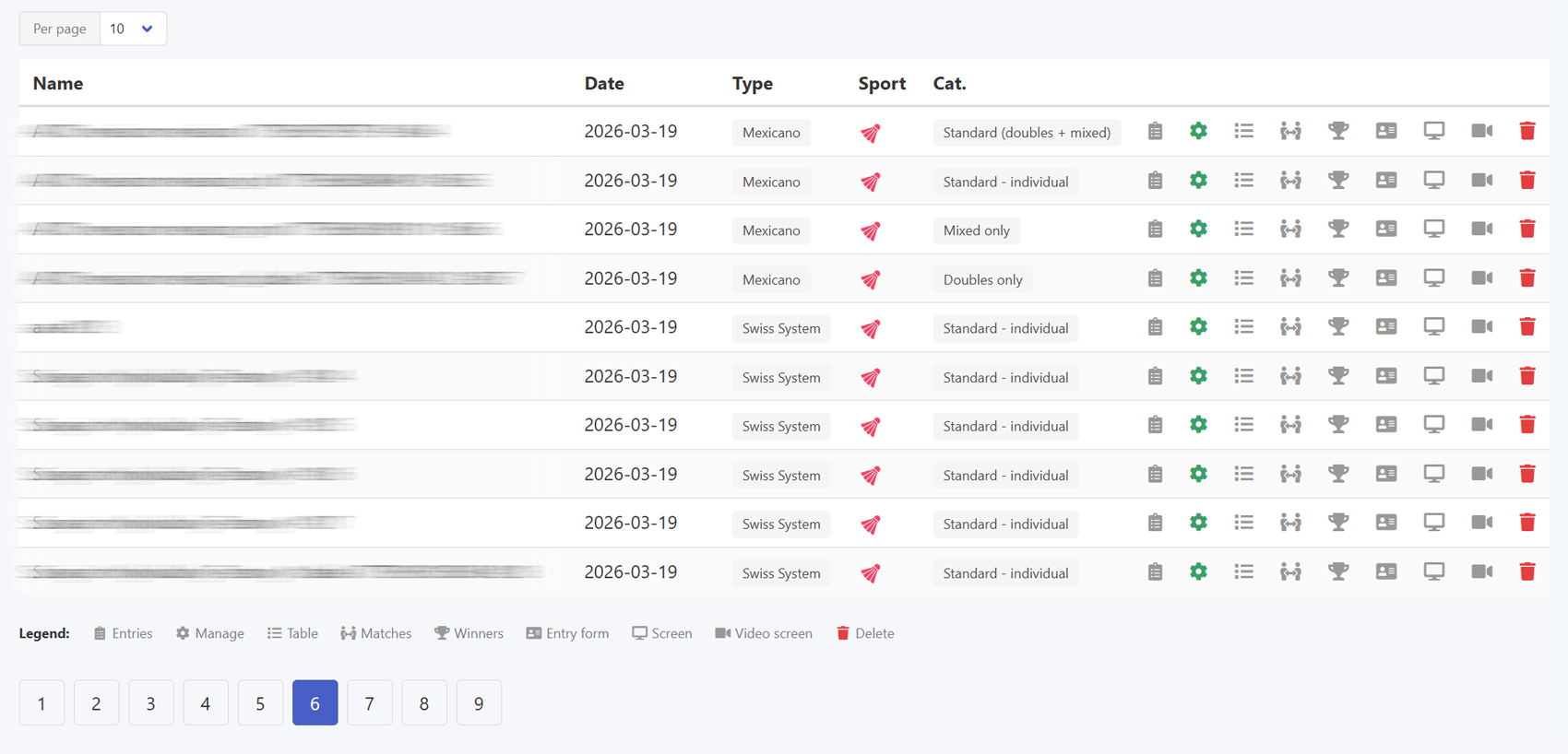
Right after logging in, or by selecting Tournaments → My tournaments from the menu, you get an immediate overview of all tournaments linked to your account.
Each tournament on the list displays its name and the format it is played in.
Every tournament also comes with a set of icon shortcuts leading to specific functions. A key explaining each icon is available at the bottom of the page.
The most important one is the gear icon, which opens the full management panel for that tournament. This is where all the configuration takes place, players are added, and the progress of the competition is monitored.
Tournament list