Swiss system tournament
How to configure, launch and run a Swiss system tournament. Scoring, tournament types, adding players and managing rounds.
The Swiss system is a format where players or pairs are not eliminated after a loss. Every participant plays the same number of rounds, and pairings for each new round are based on the current standings. The final ranking reflects the actual level of all participants, not just those who managed to avoid stronger opponents early on.
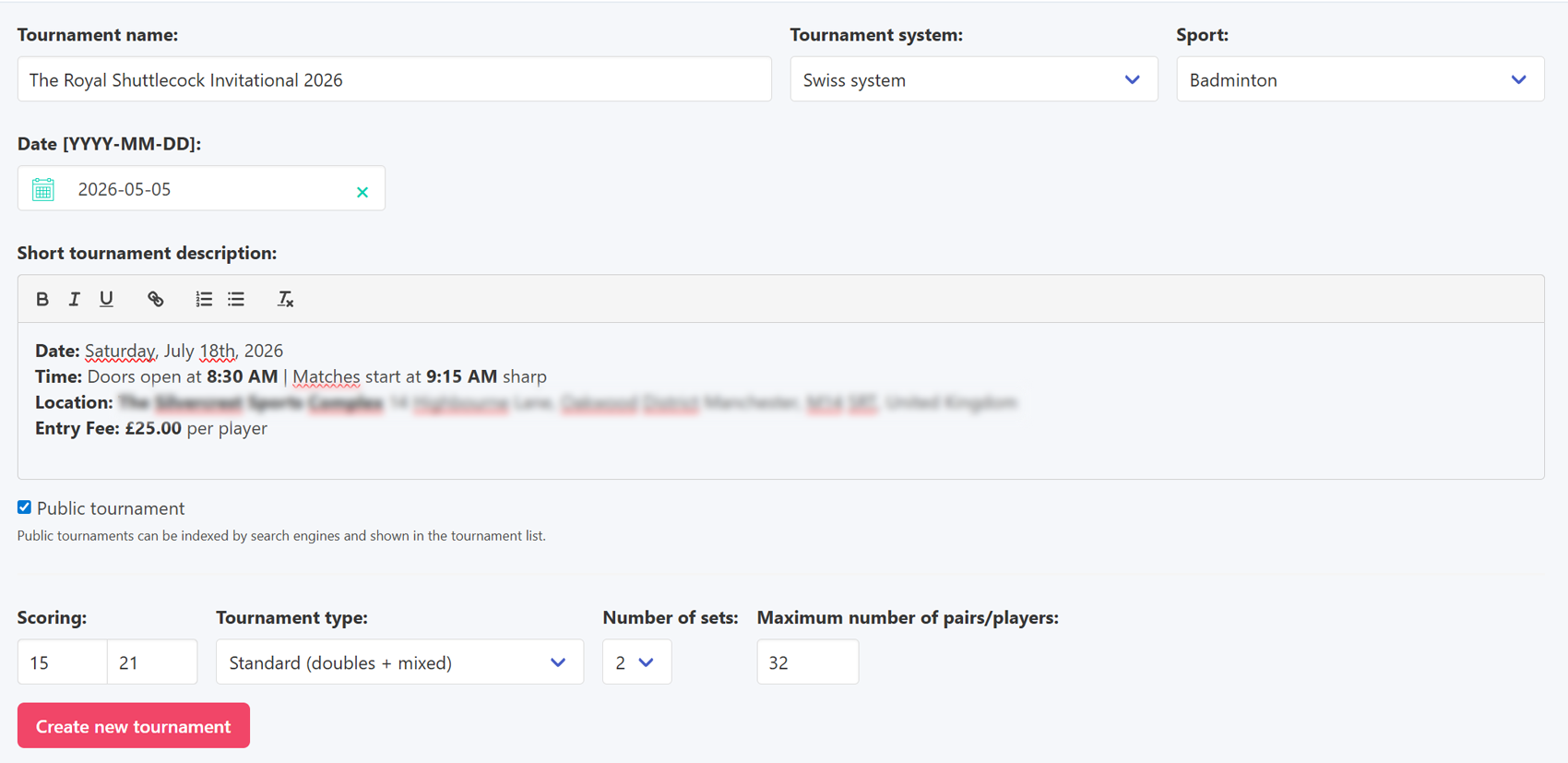
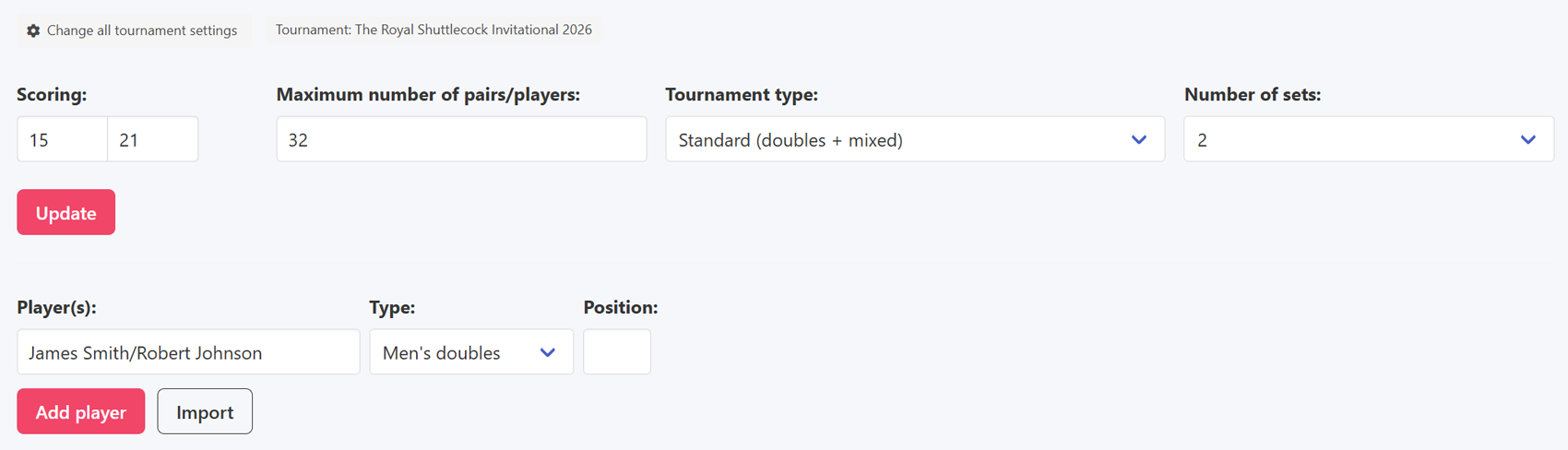
To start a tournament in this format, simply select it when creating the event. One of the key decisions at that point is the scoring system. A setting like '15 21' means a player needs 21 points to win a set. If the losing side reaches at least 15 points, the winner gets 2 points and the loser gets 1. Below 15 points the winner takes 3 and the loser finishes with 0. The number of sets can be set between 1 and 3.
Creating a tournament
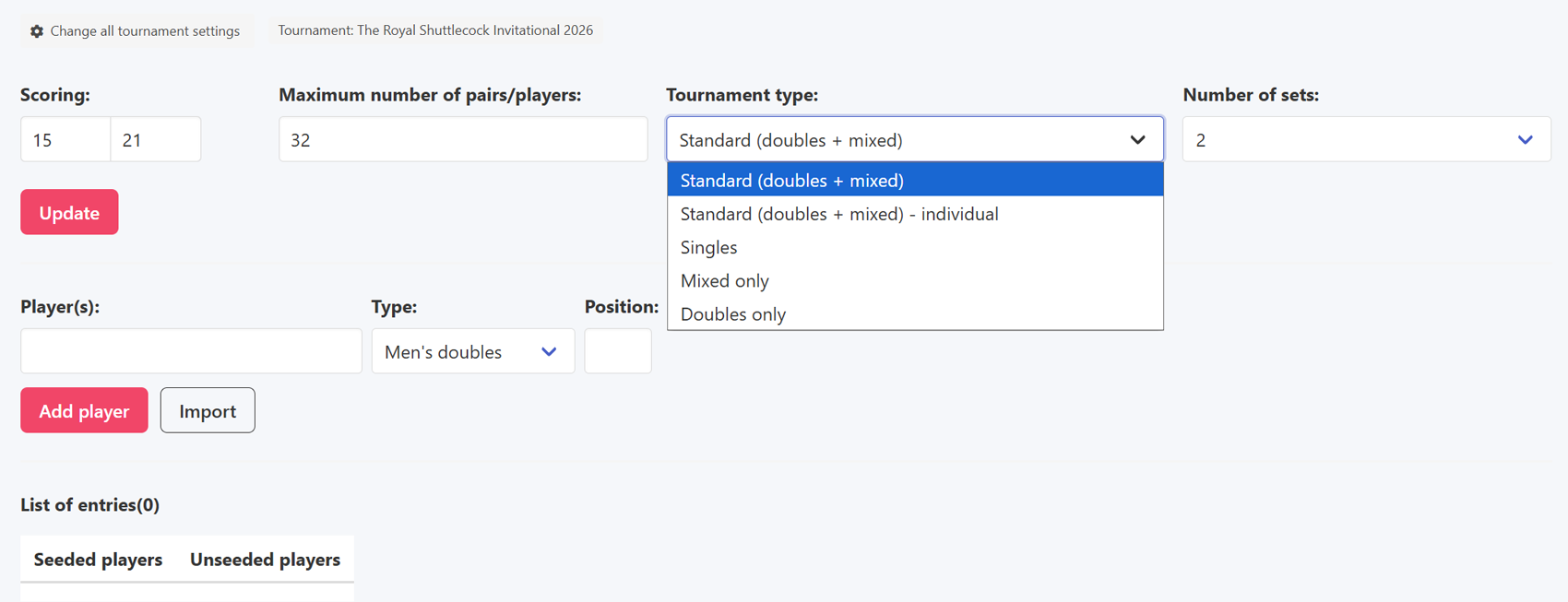
The next step is choosing the type of competition. Options include singles, doubles, mixed doubles, and individual doubles, where players compete without a fixed partner and are paired fresh each round.
Tournament type and settings
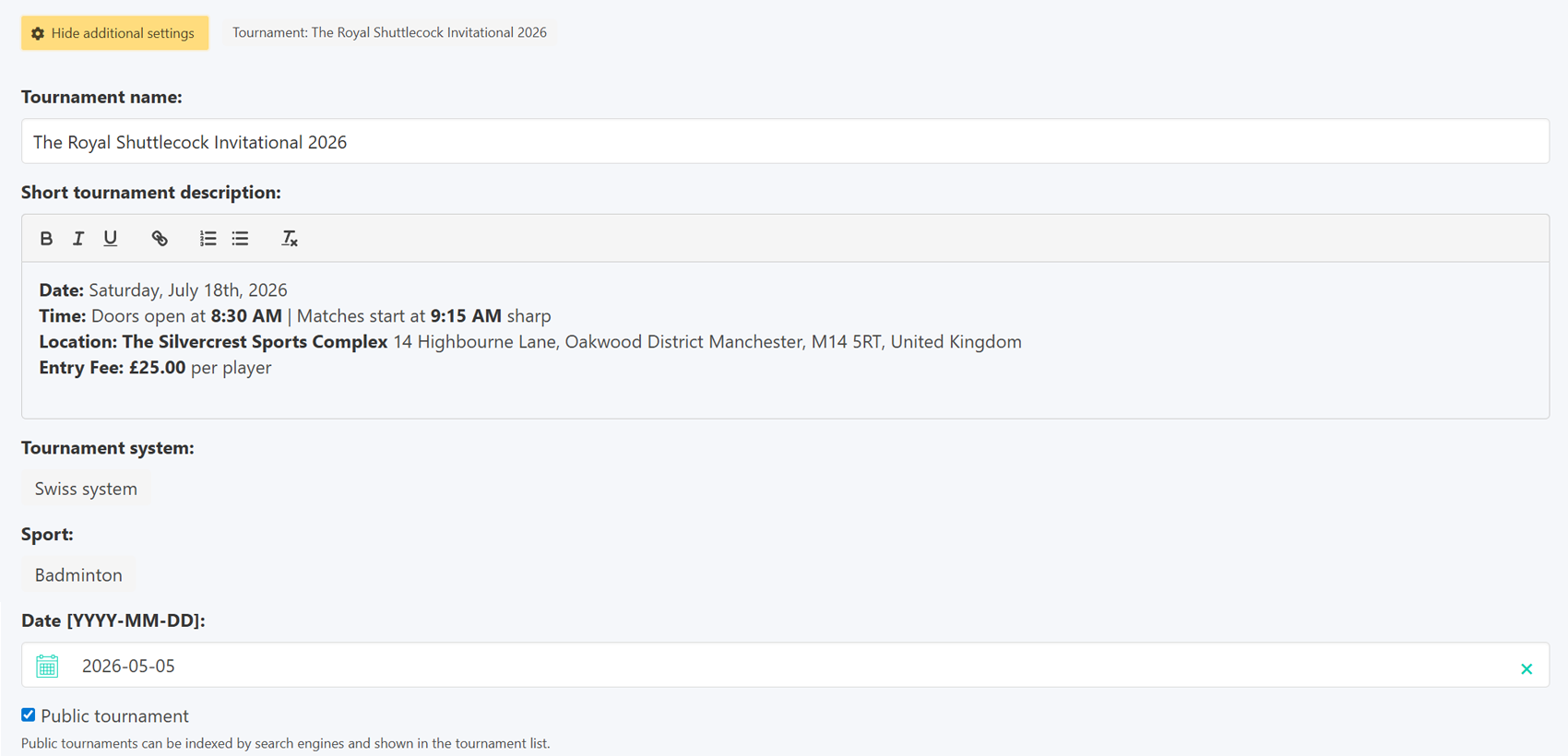
Before the first round starts, it is still possible to change the tournament name, date and description. These fields are hidden by default and can be revealed using the 'Show additional settings' button.
Additional settings
Players can be added to the tournament in several ways. The simplest is entering the player or pair name directly from the organiser panel. A seeding position can be assigned at the same time. If left blank, the participant is placed automatically at the bottom of the list.
Adding a player or pair
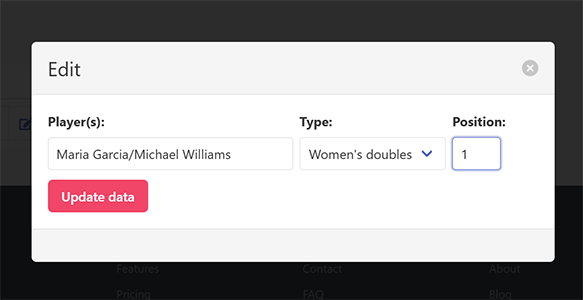
Seeding can also be adjusted later by editing the entry directly on the participant list.
Changing seeding position
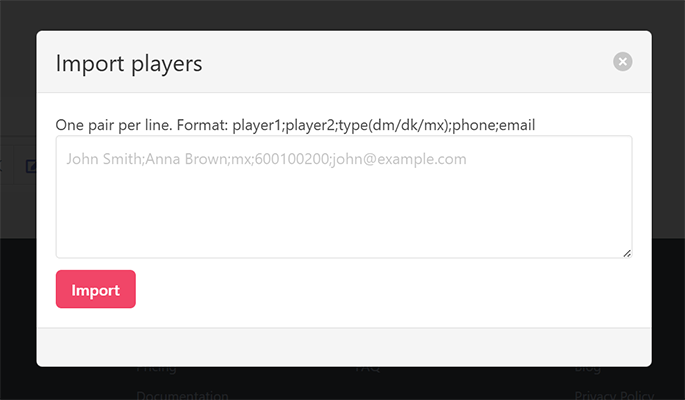
The second option is importing from a file or text using a ready-made template. This is a convenient solution when a list of participants has already been prepared.
Importing players
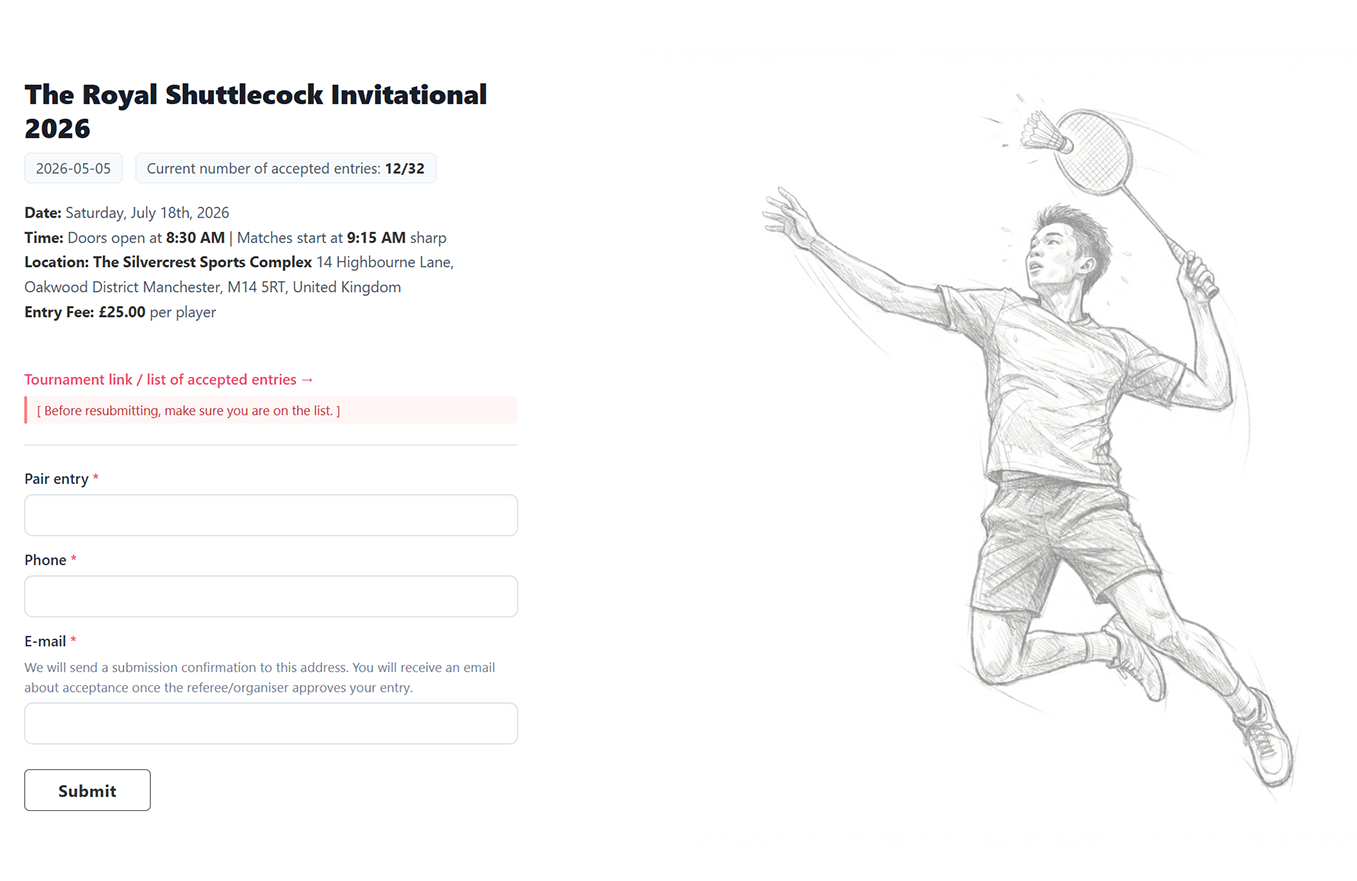
The most important way for players to register is through the entry form, which they fill in themselves. Each new submission enters the system and waits for the organiser's approval. The organiser is notified by email for every new entry.
Registration form
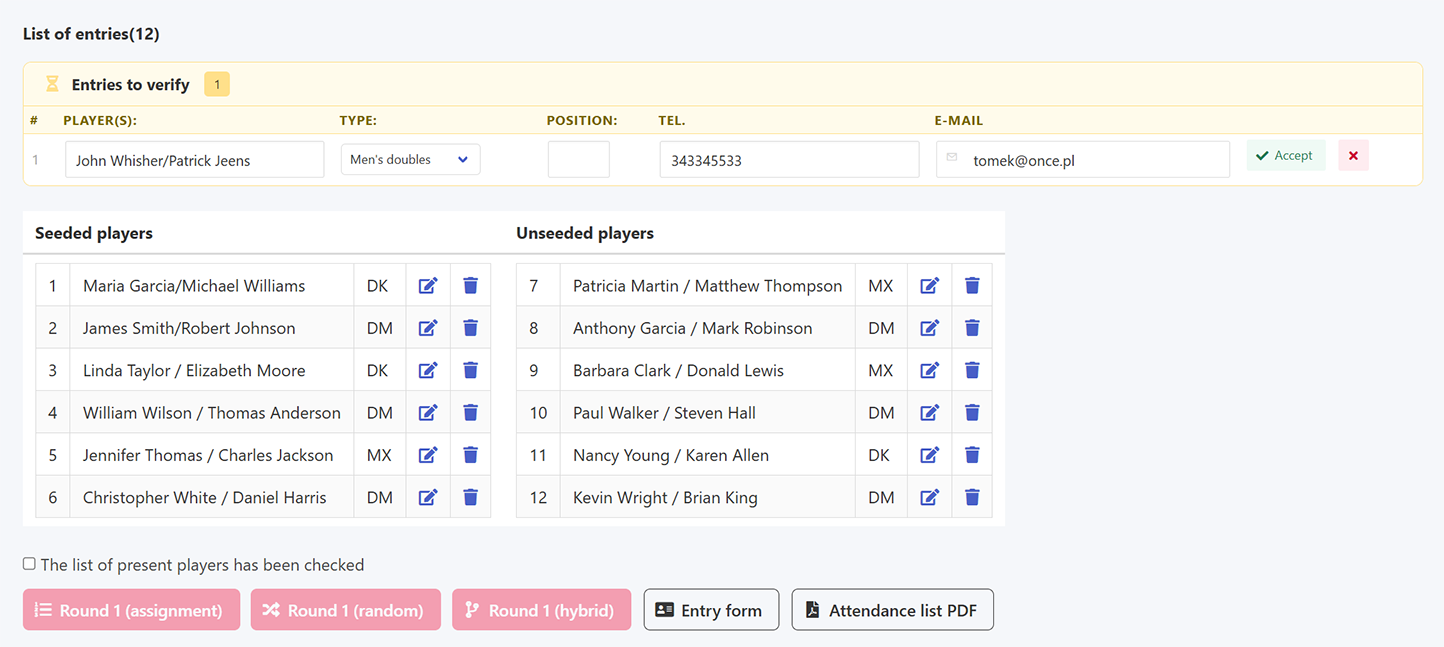
Every submission requires approval from the organiser. New entries appear on the pending list and can be accepted with a single click.
New entry awaiting approval
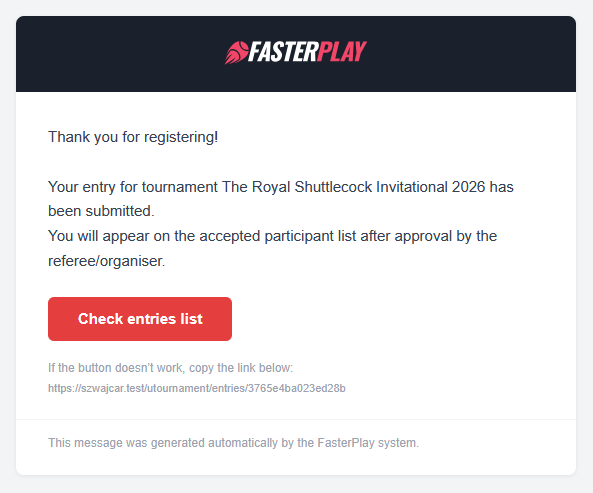
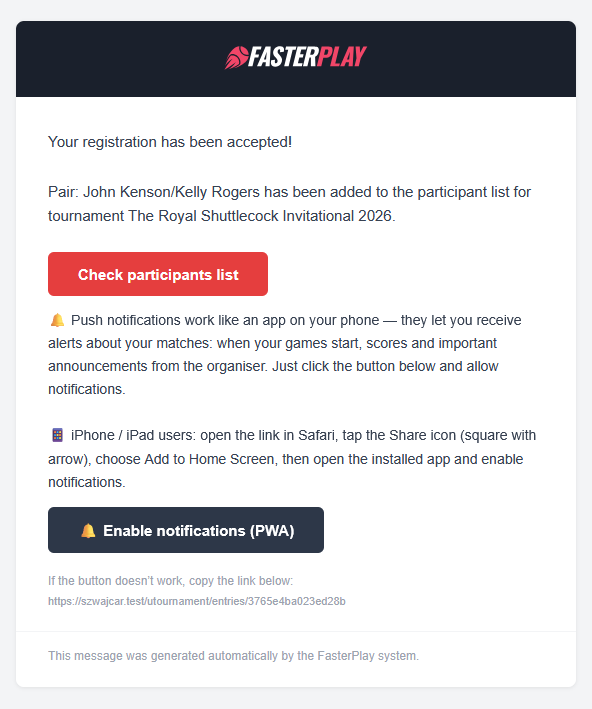
Once accepted, the player receives a confirmation email. The system also sends a message as soon as the form is submitted, so participants are kept informed at every stage.
Player notifications
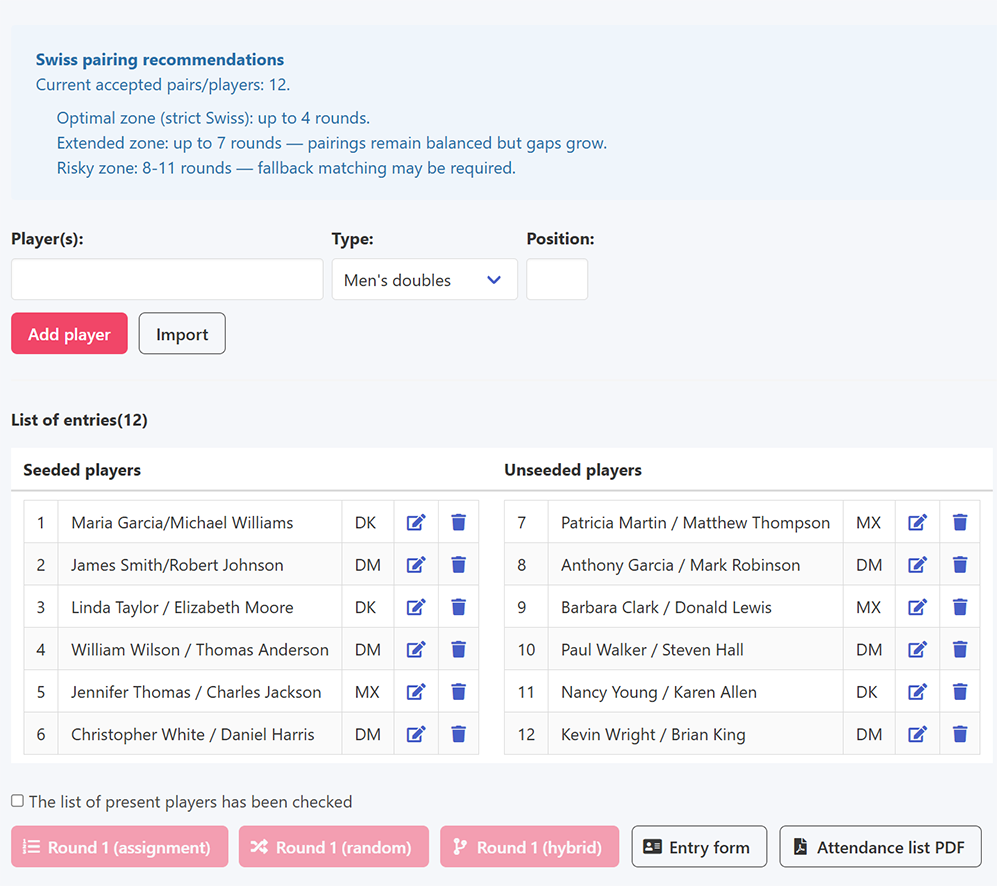
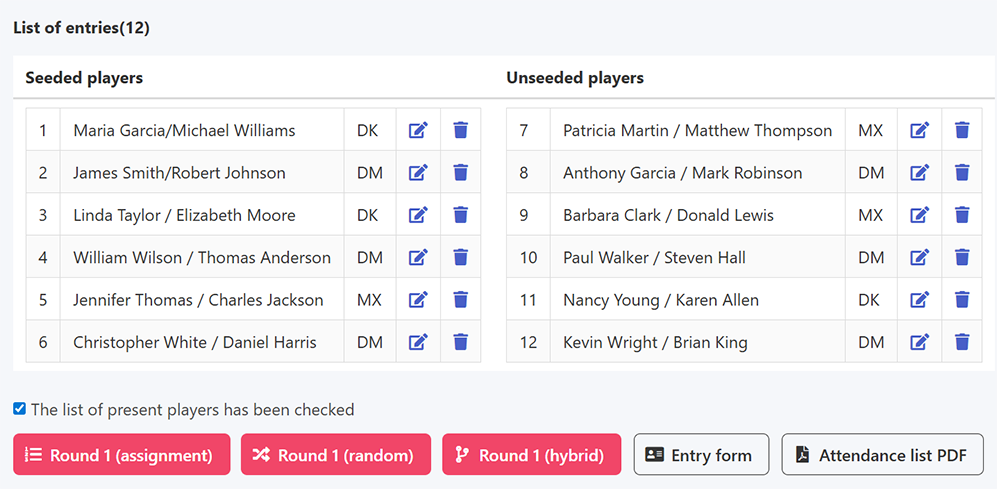
When the participant list is ready, the first round can be started. This requires checking a checkbox on the player list, which activates the action buttons.
Player list and round activation
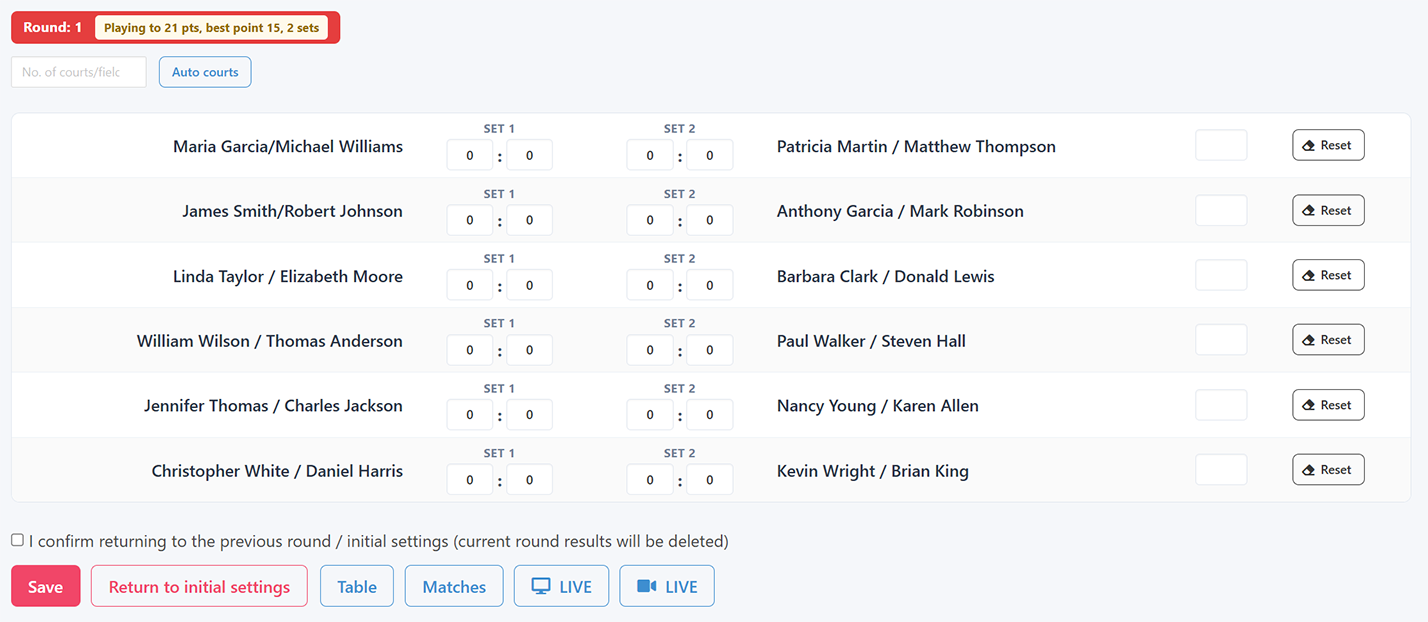
From the first round onwards, results can be entered. The system validates them in real time: any result that does not match the tournament configuration is immediately flagged in red, helping to avoid mistakes before saving.
Entering results


Once all match results have been saved correctly, the option to advance to the next round becomes available. The system generates new pairings automatically based on the current standings.
Advancing to the next round
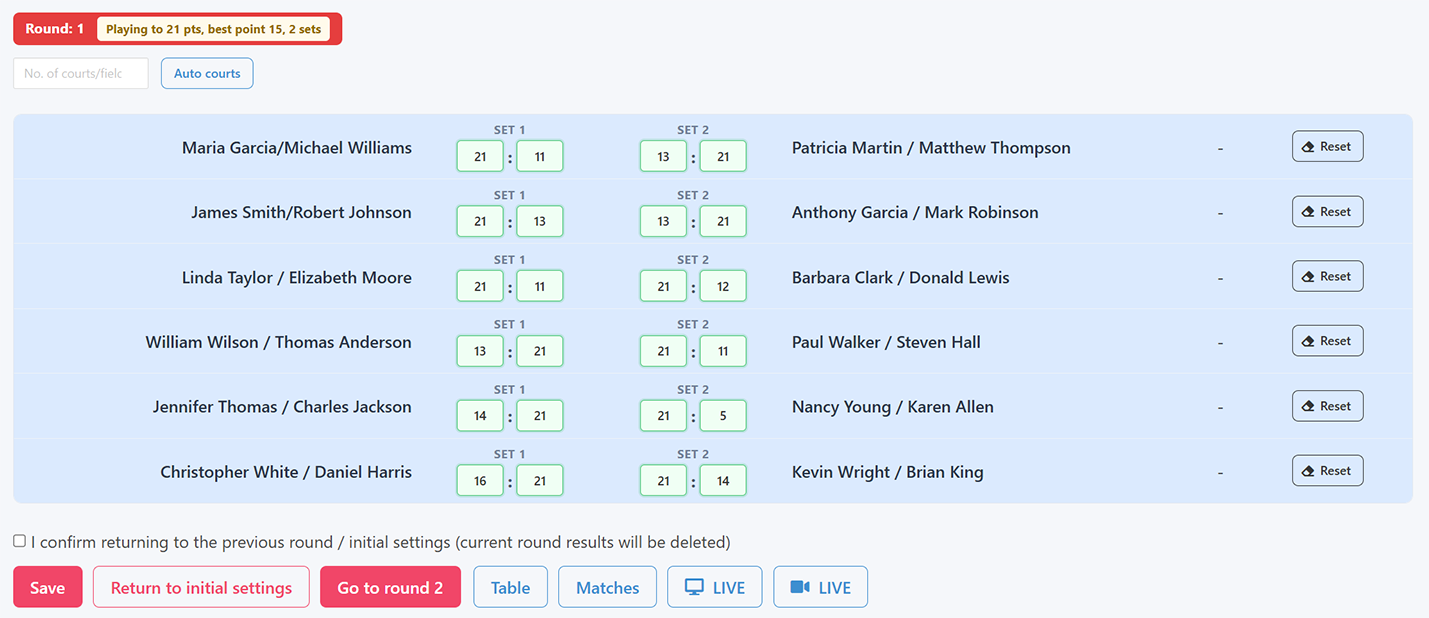
Going back to a previous round is possible, but it means the results of the current round will be deleted. This requires a separate confirmation by checking the corresponding checkbox.
The tournament can be finished after a minimum of 2 rounds, although at least 5 are recommended for the standings to carry any statistical weight. Finishing also requires a checkbox confirmation.
Finishing the tournament
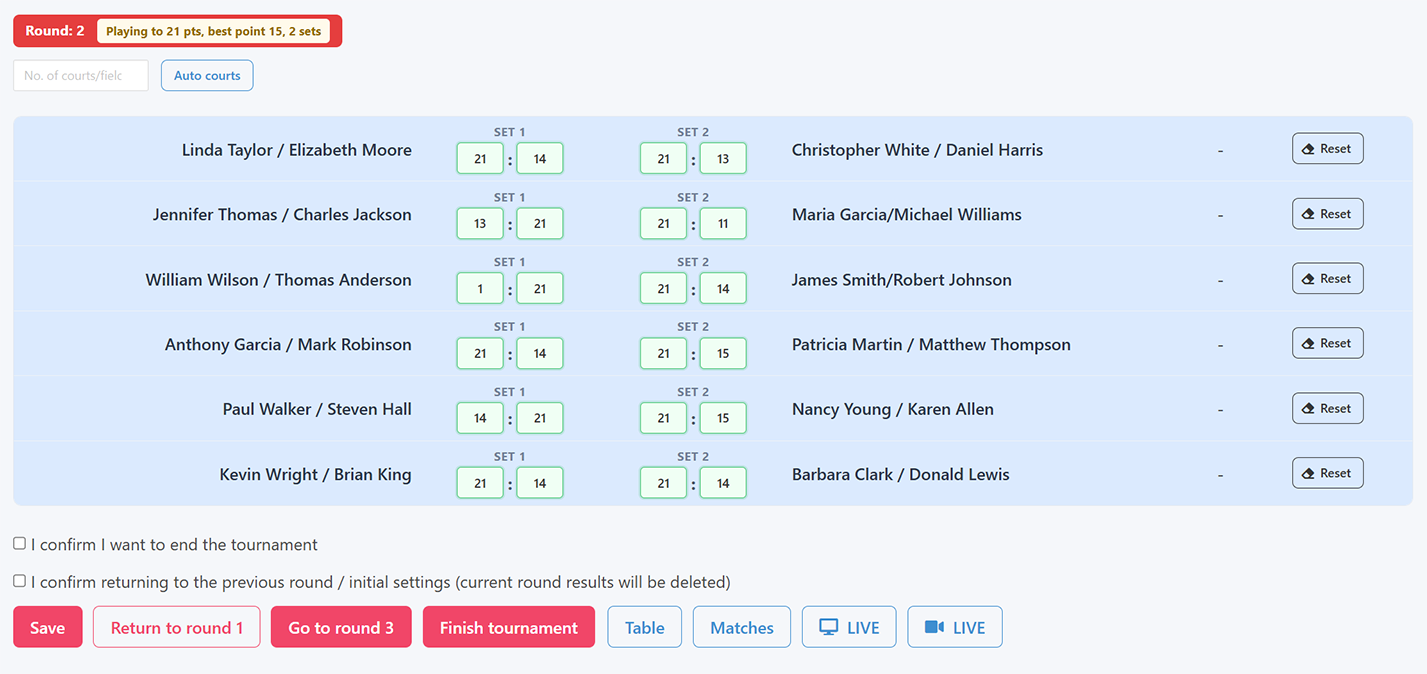
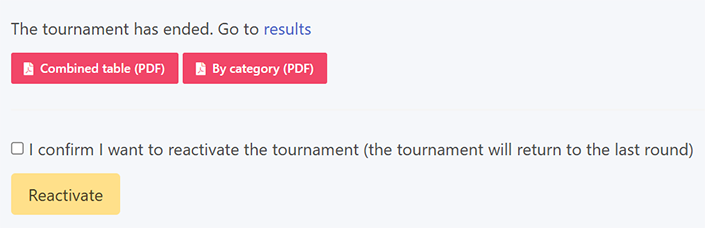
The system also allows a finished tournament to be reactivated, for example to correct a result from the last round or to add an extra round. This action, like the others, requires the appropriate checkbox to be checked before the button is clicked.
Reactivating a tournament