Creating a tournament
Configuring a new tournament from scratch: name, sport, format and scoring rules.
Creating a new tournament starts from the main menu: Tournaments → Create…
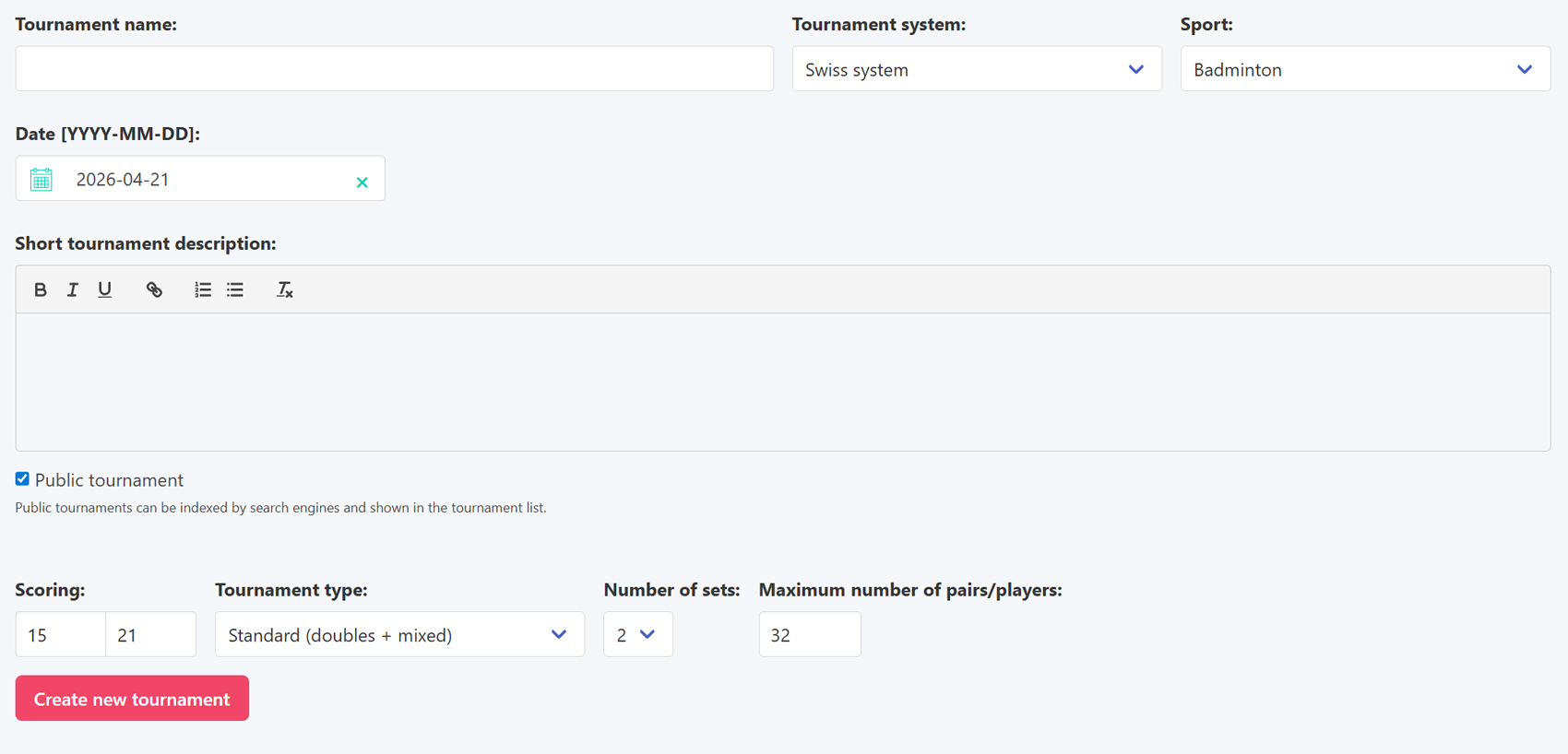
In the first step you enter the tournament name, date, choose a competition format and sport, and write a description. The description is a good place to include practical details for participants, such as the start time, entry fee, or any other organisational information worth highlighting.
The "Public tournament" checkbox controls whether the tournament is visible externally, in search engines and on the public page listing all tournaments. If you are running a closed event for a specific group of people and do not want it to appear publicly, simply uncheck this option.
Each combination of sport and competition format also has its own additional settings. A detailed walkthrough of those options can be found later in the documentation, in the sections dedicated to each individual format.
Creating a new tournament